optmzer guide
Every button, with a picture and what it does. Click a button name anywhere on this site to land here.
Getting started
Download the setup, run it, and optmzer opens. Windows may say "Windows protected your PC" because optmzer isn't signed yet: click More info, then Run anyway. optmzer asks for admin, because Windows settings need it. Nothing changes until you press a button.
FPS Boost
The first tab. On the left, the PC check lists what holds your PC back. On the right, tick the Windows settings you want and pick a Rust look. Nothing happens until you press Apply boost.
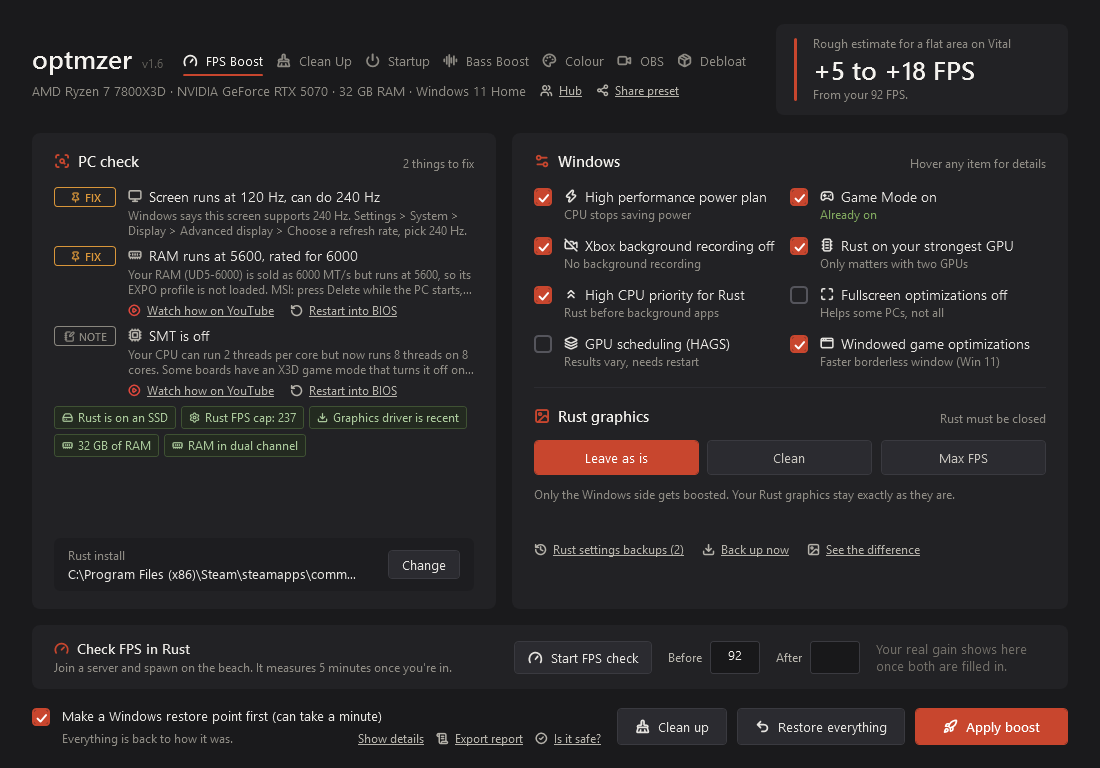
Apply boost
Changes the ticked Windows settings and, if you picked Clean or Max FPS, Rust's graphics. Every change is saved first, so Restore everything can put it back.
Does Rust need to be closed?
Only for the Rust look. Rust saves its own settings when it closes and would undo the change, so the Rust buttons lock while it runs.
How much FPS do I get?
It depends on your PC. Use the FPS check before and after to see your real number.
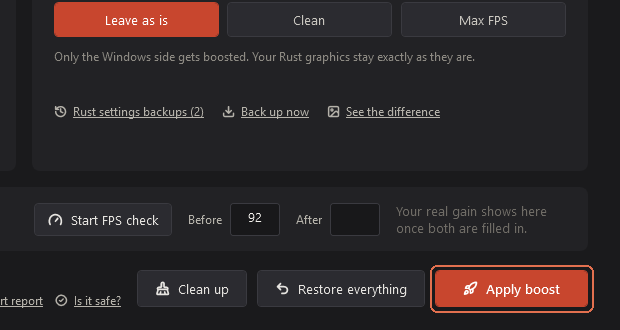
Restore everything
Puts every Windows and Rust change back the way it was before optmzer touched it, including Startup and Debloat changes.
Do I lose my Rust settings?
No. Rust goes back to the settings you had before, from the backup optmzer made.
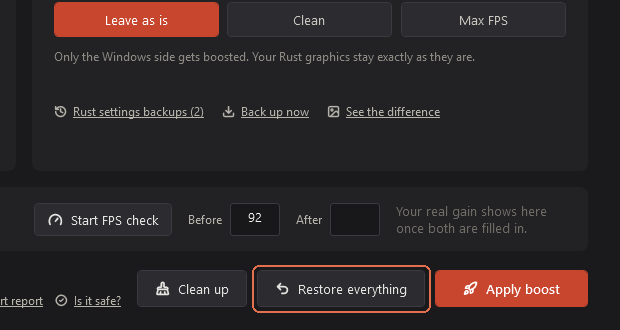
Make a Windows restore point first
Before boosting, asks Windows to make a restore point. It takes up to a minute. It's an extra safety net next to Restore everything.
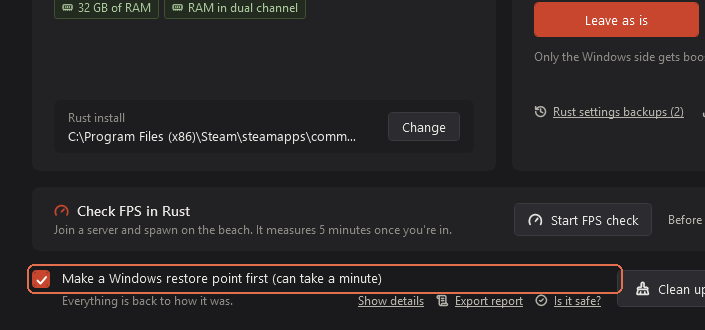
Leave as is, Clean, Max FPS
Three ways to set Rust's graphics. Leave as is keeps yours. Clean turns off the heavy stuff but keeps the game sharp. Max FPS turns almost everything down. Draw distance, FOV, sensitivity and binds are never touched.
Which one should I pick?
Clean for most people. Max FPS if your PC struggles or you only care about frames.
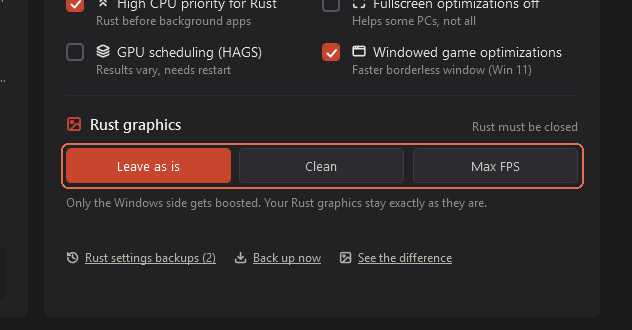
See the difference
Shows real screenshots of the same spot with each Rust look and the FPS it got on our test PC.
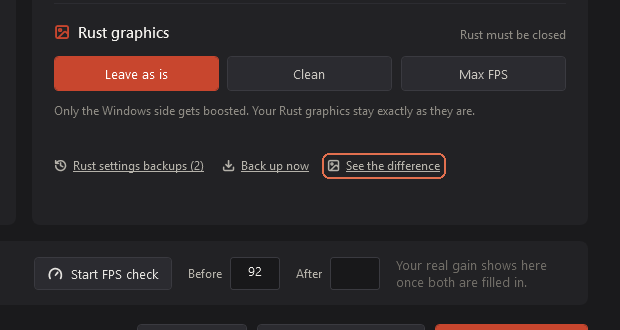
Rust settings backups and Back up now
optmzer saves a copy of your Rust settings before every change. Rust settings backups lists them with a Load button. Back up now saves one yourself.
I lost my Rust settings, can I get them back?
Open Rust settings backups and press Load on the newest one from before it went wrong. Close Rust first.
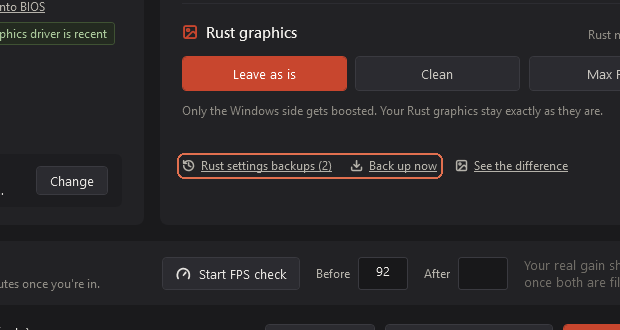
Start FPS check
Measures your real FPS in Rust for 5 minutes with Intel PresentMon. Join a server and spawn, it starts by itself. Run one before boosting and one after, and the Before and After boxes show your real gain.
Can the FPS check get me banned?
No. PresentMon reads Windows' own graphics events. Nothing is injected into Rust.
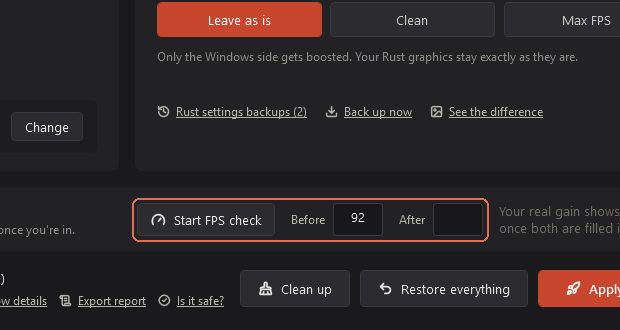
Show details and Export report
Show details lists everything optmzer did. Export report saves a report on your Desktop that you can send us if something went wrong.
Is it safe?
Shows the SHA-256 fingerprint of your optmzer file and a VirusTotal link, so you can check it yourself.
Change (Rust install)
optmzer finds Rust by itself. If you installed it somewhere unusual, pick the folder here.
Clean up
A shortcut to the Clean Up tab.
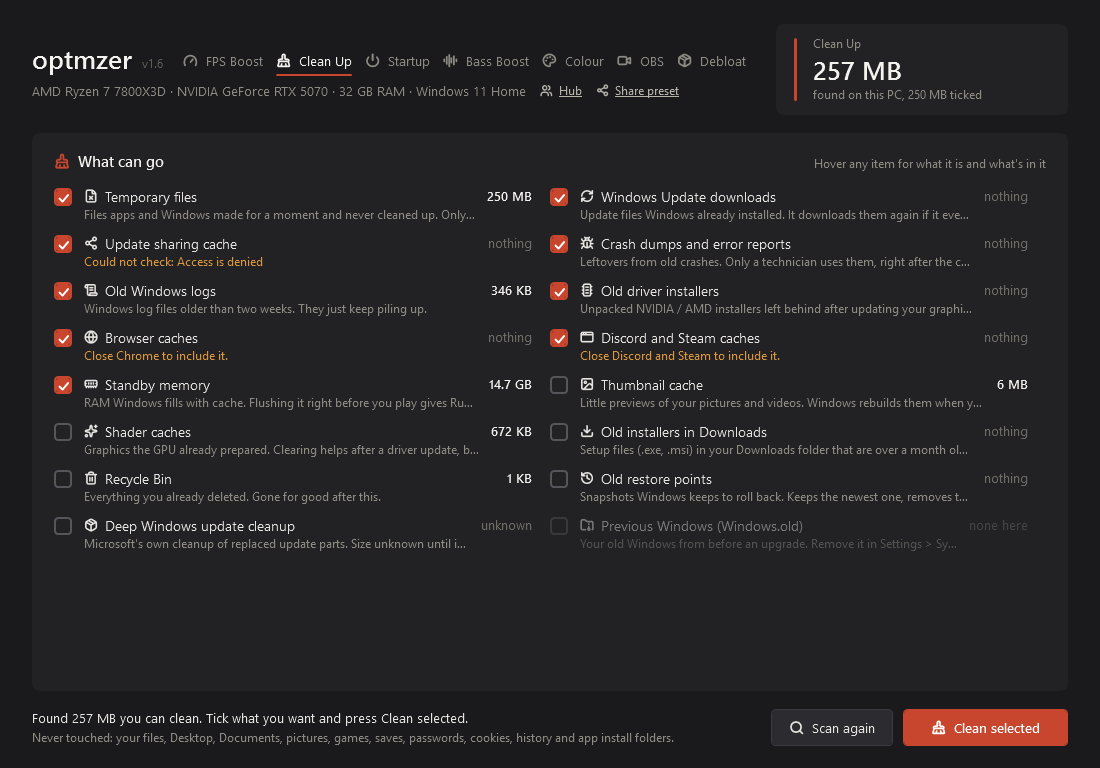
Clean Up
Shows how much space each kind of junk takes before anything is deleted. Your own files, games, saves, passwords, cookies, history and app folders are never touched.
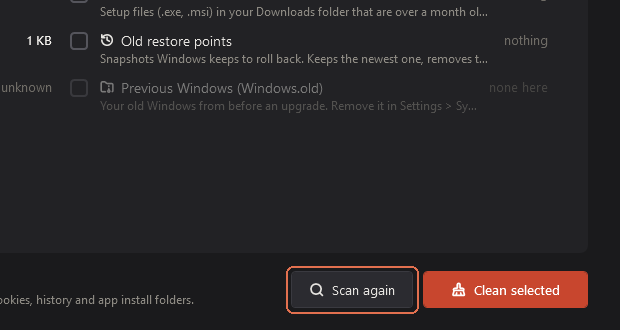
Scan again
Looks again and updates the sizes.
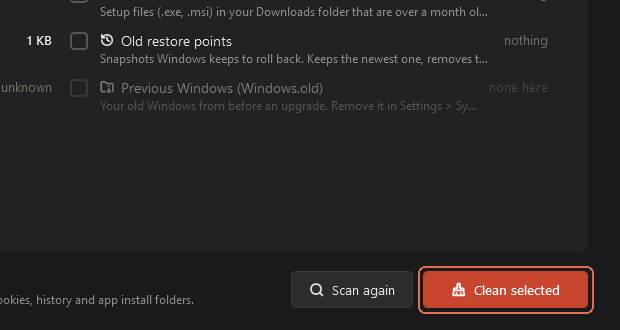
Clean selected
Deletes only the ticked items. Some places need an app closed first (Chrome, Discord); optmzer tells you which.
Can I undo a clean?
No, deleted junk is gone, which is why it only lists things that are safe to lose. Recycle Bin and old restore points are not ticked by default.
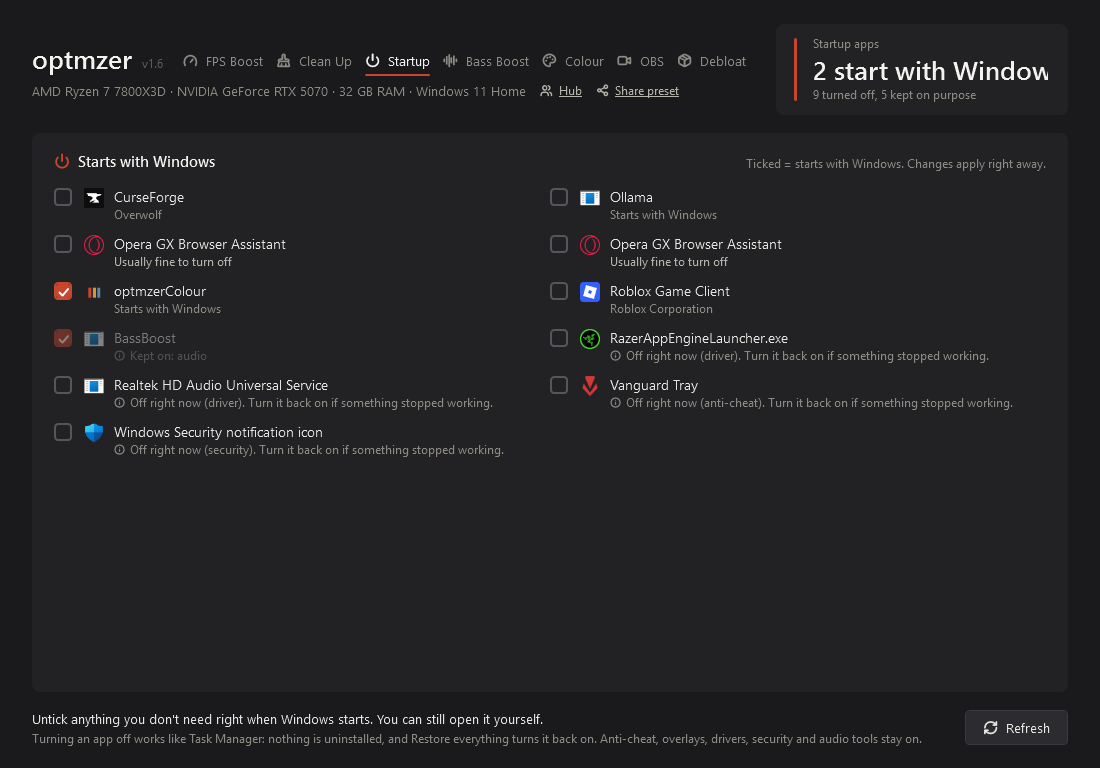
Startup
Every app that starts with Windows. Untick one and it stops starting with Windows, the same way Task Manager does it. Nothing gets uninstalled. Anti-cheat, drivers, security and audio tools stay on.
Refresh
Reads the list again, for example after you installed something.
I turned an app off and need it back
Tick it again, or press Restore everything on the FPS Boost tab.
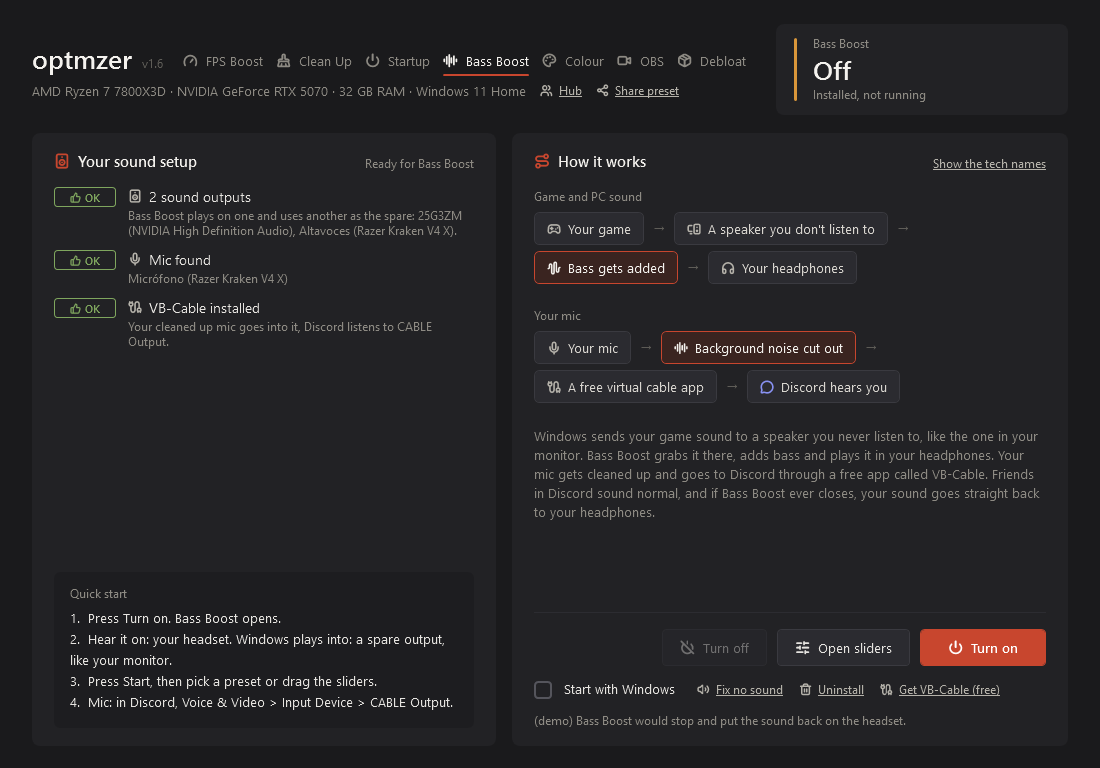
Bass Boost
A light bass lift for your headset, made by optmzer's own small sound app.
Turn on and Turn off
Starts or stops the bass lift. Your sound goes back to normal when it's off.
Open
Opens the Bass Boost app to change the strength.
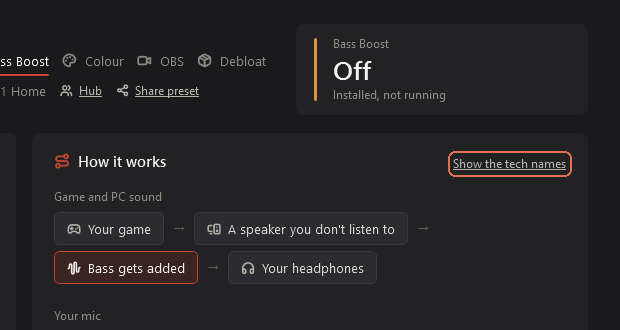
Explain it simply
Shows a simple picture of what Bass Boost does with your sound.
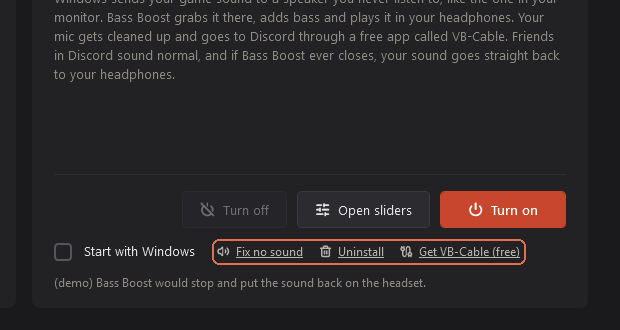
Sound fix, cable and uninstall links
Fixes for when sound stops working, plus removing Bass Boost completely.
My sound stopped
Press the sound fix link. If that doesn't help, turn Bass Boost off.
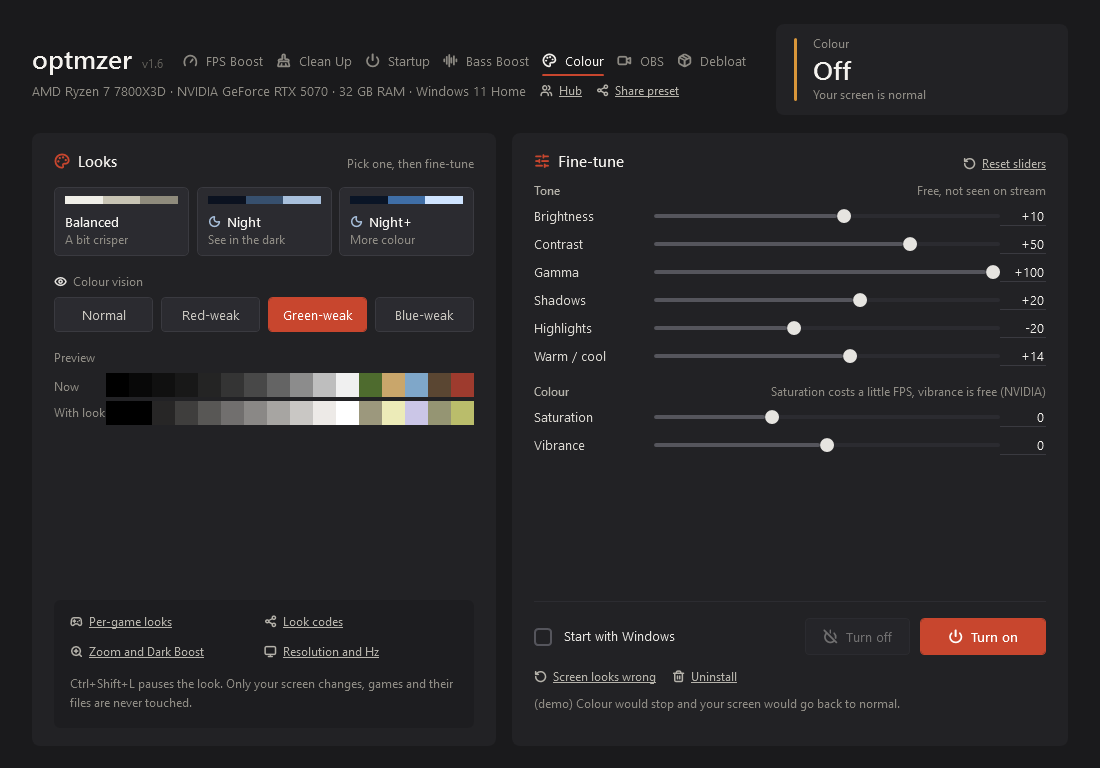
Colour
Screen looks that help you see in dark places, with sliders to fine-tune them. Only your screen changes; games and their files are never touched. Ctrl+Shift+L pauses the look.
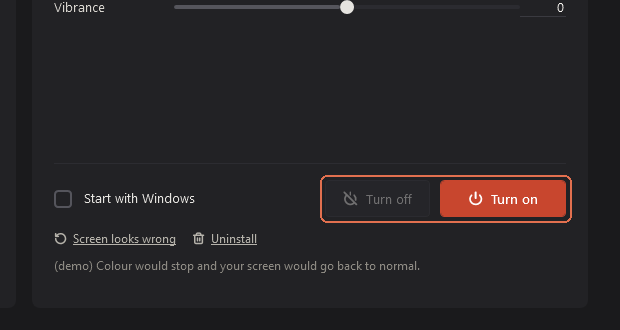
Turn on and Turn off
Starts or stops the picked look on your screen.
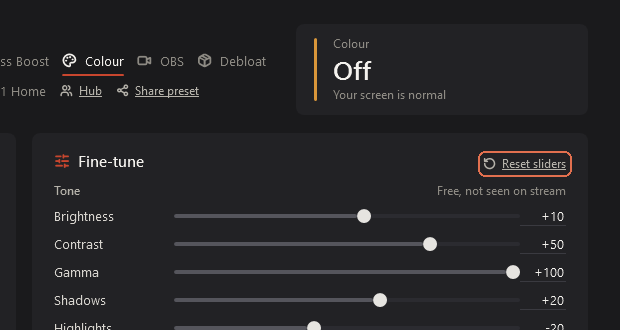
Reset sliders
Puts the sliders back to the picked look.
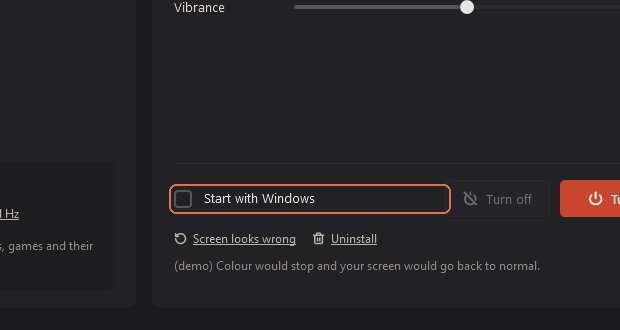
Start with Windows
Turns the look on by itself when Windows starts.
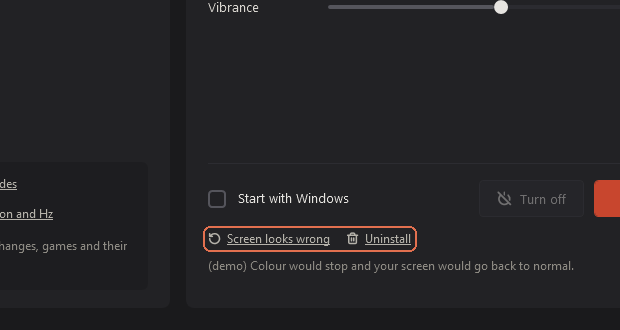
Screen looks wrong and Uninstall
Screen looks wrong puts your screen back to normal right away. Uninstall removes the Colour helper.
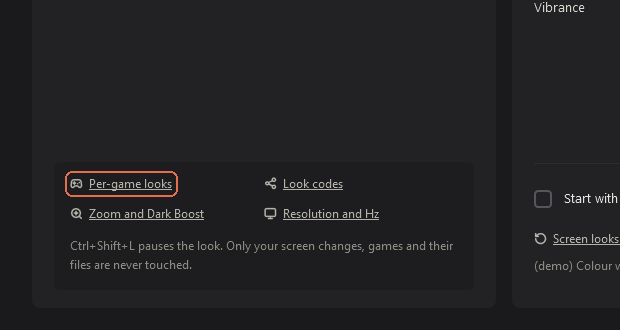
Per-game looks
Pick a different look for each game. It switches by itself when that game is in front.
Look codes
Send your look to a friend as one line of text, or paste theirs.
Zoom and Dark Boost
Hold a key (Mouse 5 by default) to zoom into the middle of your screen, 1.5x to 4x. Dark Boost lifts the darkest spots while you hold its key.
Is Zoom allowed?
It only changes your screen, not the game. Some servers don't allow it, so check the rules where you play.
Resolution and Hz
Change resolution, refresh rate, HDR and stretched 4:3. A new setting goes back by itself after 15 seconds unless you press Keep.
OBS clipping
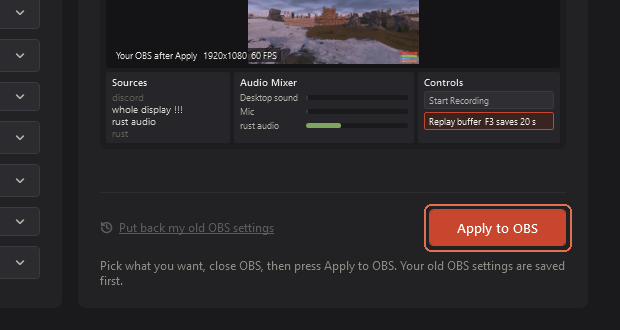
Sets up OBS for clips: the replay buffer, your clip key, quality, sound tracks and a clip colour. Close OBS first; optmzer edits OBS's own settings files and saves a copy first.
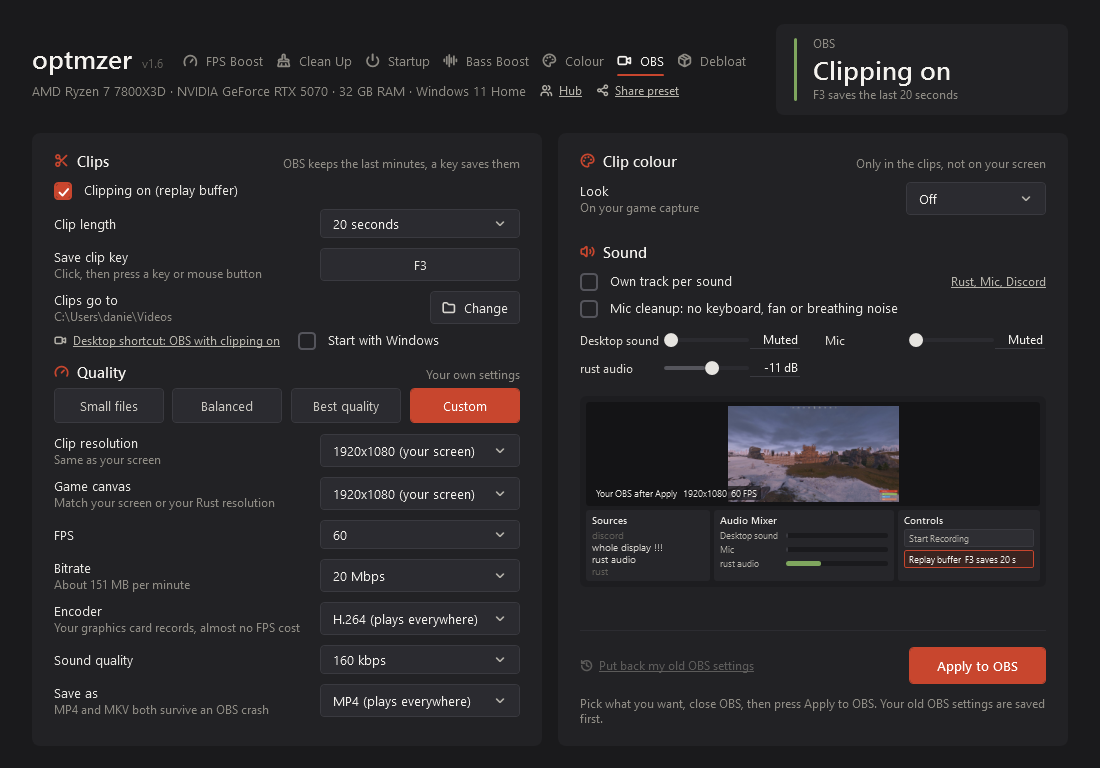
Apply to OBS
Writes your choices into OBS. Open OBS afterwards and press your clip key to save the last seconds.
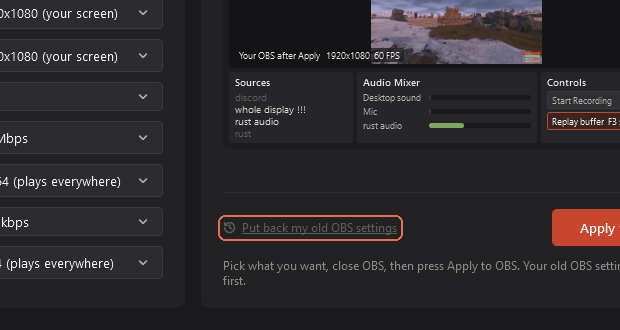
Put back my old OBS settings
Restores the OBS settings you had before optmzer changed them.
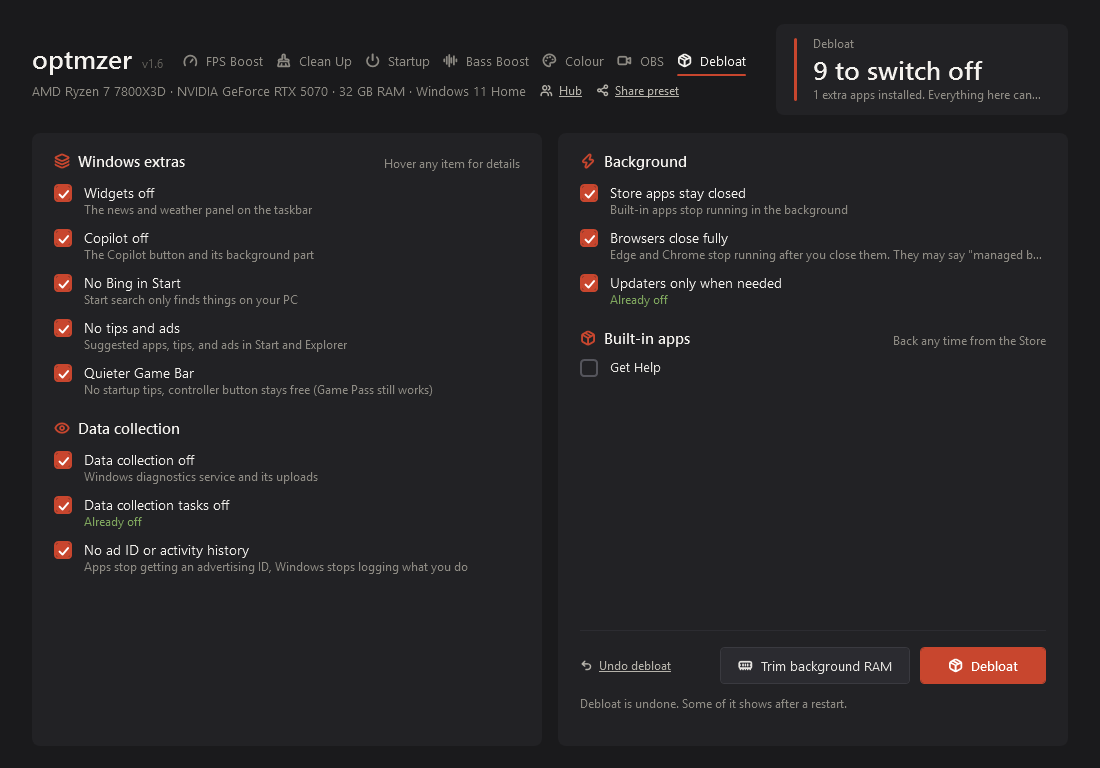
Debloat
Turns off Windows extras you don't use, like Widgets, Copilot, tips and data collection. Every one can be turned back on.
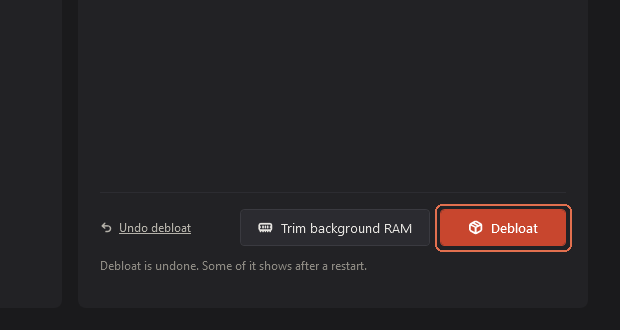
Debloat
Turns off the ticked items. Some show after a restart.
Undo debloat
Turns everything Debloat changed back on.
Trim background RAM
Asks background apps to give back memory they aren't using. Nothing is closed.
Hub and sharing
The Hub is for accounts, friends, chat and codes. You don't need an account for anything else.
Hub
Opens the Hub: Account, Friends, Chat, Updates, Subscription and Settings codes.
Share preset
Pick what to share (Rust settings, FPS Boost ticks, Colour look, Zoom keys, OBS) and get a code like OPT-1A2B-3C4D. Paste a friend's code to load theirs: the first press shows what's in it, the second loads it.
Does loading a preset change my Rust settings?
Only if the preset has Rust settings in it. Your own are backed up first, and Rust must be closed.
Updates and uninstalling
optmzer updates itself when it starts: a window shows what's new and a download bar, then it reopens. The download is checked against its published fingerprint before it runs. To uninstall, press Restore everything if you want all changes undone, then remove optmzer in Windows Settings, Apps. Your backups stay in case you come back.